Digital Accessibility in Higher Ed: What Every Campus Needs to Know
A campus can have a gorgeous, award-winning website and still fail a blind student the moment they try to register for classes. That's not hypothetical. Harvard, MIT, and UC Berkeley have all faced Office of Civil Rights complaints over inaccessible online content, and they're among the most resourced institutions in the country. If they struggled, the average state university with a two-person accessibility team is in deeper trouble than most administrators want to say out loud.
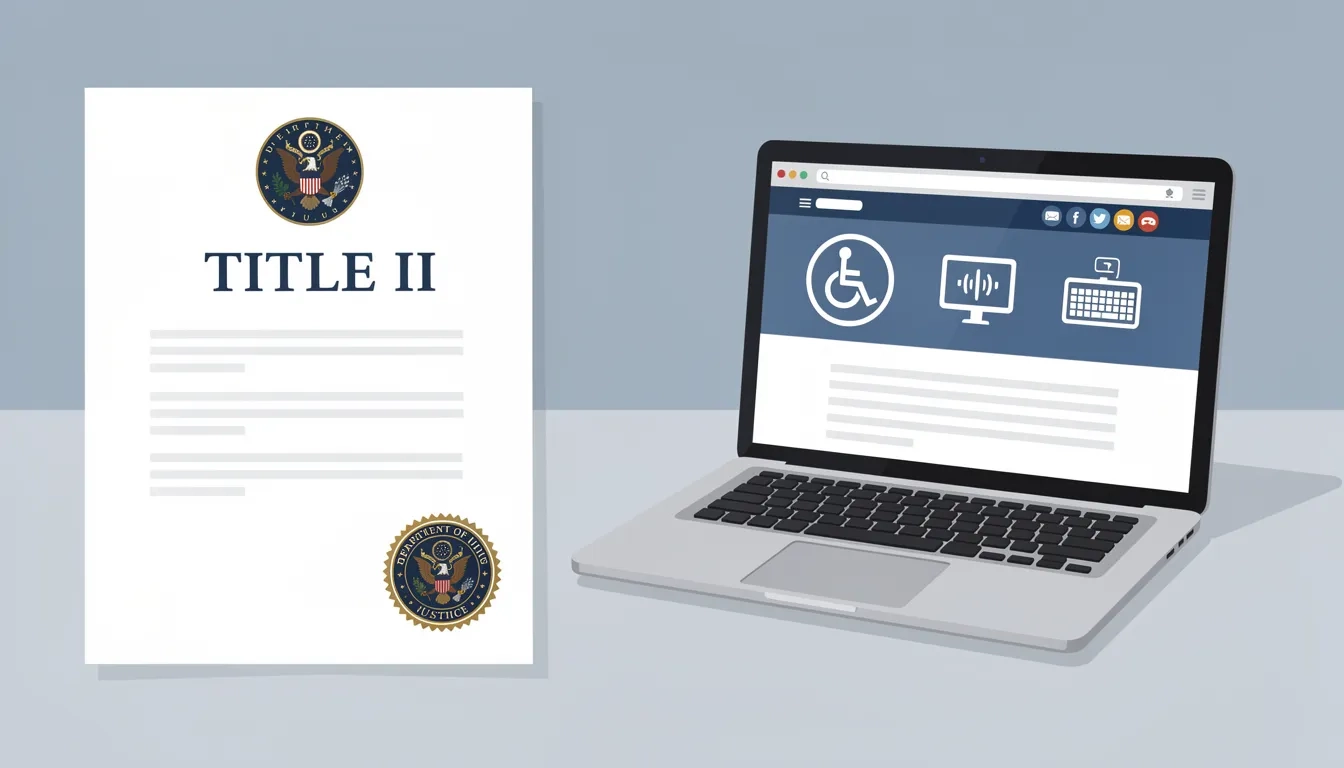
The Department of Justice finalized a major new rule in April 2024, requiring public colleges and universities to conform to specific web accessibility standards. The original compliance date was April 2026. That was pushed to April 2027 for larger institutions. The rule isn't going away. And for private colleges, there's no federal deadline — plenty of active lawsuits are filling that gap instead.
So where does higher ed stand? Somewhere between overwhelmed and underprepared, if the data is any guide.
What the New Rule Actually Requires
The DOJ's 2024 Title II rulemaking is the first time federal law spelled out a specific technical standard for digital accessibility at public institutions. Before this rule, colleges operated under general non-discrimination obligations with no concrete technical benchmark. Now there is one: WCAG 2.1, Level AA — the Web Content Accessibility Guidelines published by the World Wide Web Consortium.
What does that look like day-to-day? Every webpage must be navigable by keyboard alone. Images need descriptive alt text. Videos require accurate captions and audio descriptions. PDFs — including ones a professor posted in 2015 and never touched again — need to work with screen readers. Live online events must be captioned in real time.
The scope goes well beyond the main campus website. Mobile apps, learning management systems, and third-party platforms used to deliver instruction all fall under the rule. A barrier inside your Canvas or Blackboard installation is a compliance failure, even if you purchased the platform rather than built it.
Compliance deadlines depend on the population the institution serves:
| Institution Type | Compliance Deadline |
|---|---|
| Public, population 50,000+ | April 26, 2027 |
| Public, population under 50,000 | April 26, 2028 |
| Private (Title III) | No specific deadline; active litigation |
Private institutions don't have a hard Title II deadline, but courts have consistently held that ADA Title III applies to their websites as places of public accommodation. Title III suits against private universities have been trending up year over year.
The Scale of the Problem
About 20% of college students in the United States live with some form of disability. That's roughly 1 in 5 people in every class section, every online course portal, every financial aid application screen.
Accessibility barriers rarely announce themselves. A student using a screen reader can't parse a scanned PDF of lecture notes. A student with motor impairments can't complete course registration on a portal that requires mouse precision. A deaf student watches a recorded lecture without accurate captions because the auto-generated transcript mangled all the domain-specific terminology.
The legal pressure has been accumulating for years. Between 2017 and 2022, roughly 14,000 web accessibility lawsuits were filed across all industries, with more than 3,000 filed in 2022 alone. Higher education has been a specific target: the Michigan Alliance for Special Education filed more than 2,400 web accessibility complaints against schools and districts, resulting in more than 1,000 resolution agreements with the Office of Civil Rights.
A 2024 Educause survey found that nearly 65% of respondents in the IT Accessibility Community Group had faced threats of legal action or actual lawsuits related to technology accessibility. These aren't institutions already under federal scrutiny — they're people who specifically sought out an accessibility-focused professional community. The broader population of colleges is likely faring worse.
Why Most Campuses Aren't Ready
Here's the elephant in the room: most institutions don't have the staff, the budget, or the faculty culture to move quickly on this.
An Educause poll found that 40% of institutions have just one or two staff members dedicated to technology accessibility across the entire campus. Not per department. Total. On a university with 40,000 students, tens of thousands of web pages, and hundreds of faculty uploading new course materials every week, two people cannot audit, remediate, and sustain compliance. The math simply doesn't work.
Faculty buy-in is a separate, equally serious problem. An Anthology survey found that fewer than a quarter of faculty consider accessibility when designing course materials.
"Fewer than a quarter of faculty said they considered accessibility when designing course materials." — Anthology survey, cited in Inside Higher Ed (2025)
Most faculty don't think of themselves as web content producers, even though every file they upload to an LMS is exactly that.
Decentralization amplifies both problems. Universities typically host dozens or hundreds of independent websites — departments, research labs, student organizations, individual faculty pages — each maintained by people with wildly different technical skills. The central web team can enforce standards on the main institutional site. They have limited reach everywhere else.
Phil Hill of On EdTech has called this situation a "regulatory time bomb," and I think he's right. Compliance failures expose institutions to OCR investigations, and in the current political climate, could create pressure points in broader federal negotiations with higher education. That's not hyperbole — it's a reading of where enforcement trends have been heading.
The Third-Party Platform Problem
Here's where the rule gets genuinely awkward: you're responsible for the accessibility of platforms you didn't build.
If your institution uses a learning management system with an inaccessible interface, students still face a barrier the DOJ's rule won't excuse. The fix isn't auditing existing contracts in a panic. It's updating procurement requirements so that every new vendor relationship starts with an accessibility conformance expectation baked in.
The standard mechanism is a Voluntary Product Accessibility Template (VPAT): a document vendors fill out to describe how their product meets WCAG standards. EDUCAUSE and the National Federation of the Blind have both pushed for VPATs as a baseline procurement requirement for campus software, and most large vendors now produce them.
The catch: VPATs are self-reported (which is worth remembering any time a vendor hands you one without hesitation). A vendor can produce a VPAT that overstates conformance, and most campuses don't have staff who can evaluate them critically. The practical answer for major platforms is requesting third-party audit documentation or running your own spot-check before signing multi-year contracts. For smaller tools, a VPAT plus a quick test with a free screen reader like NVDA usually catches the obvious failures.
The STEM Content Problem
General accessibility guidance assumes text, images, and video. STEM content breaks those assumptions.
Mathematical notation is a specific headache. Standard HTML can't render complex equations in a screen-reader-friendly way without tools like MathML or MathJax. Many faculty still produce homework and problem sets by hand, scan them as image-based PDFs, and upload them to the LMS. A scanned handwritten equation is, from an accessibility standpoint, just a picture. Screen readers cannot interpret it at all.
An EdTech Magazine report quoted a director describing the challenge bluntly: faculty "handwrite and scan all the homework that they give to students. That's going to be a big change and cultural shift." That's the core of it — not a technology problem but a people problem, and IT departments can't solve it alone.
Chemistry, biology, and engineering face related issues with diagrams, lab protocols, and interactive simulations. The tools exist: the DIAGRAM Center publishes free resources for accessible STEM materials, and MathJax is open-source. But using them requires faculty to change workflows they've used for a decade, and that only happens when department leadership signals the change is non-negotiable — not just when an email arrives from the IT office.
A Practical Compliance Roadmap
If you're inside a university and wondering where to actually start, here's what moves the needle. This is phased by impact, not by comprehensiveness.
Phase 1: Inventory and assess
- Map all digital assets: main websites, department sites, mobile apps, course materials, and third-party tools
- Run automated audits using tools like axe or WAVE — they catch roughly 25–30% of WCAG failures, so treat them as a starting point, not a finish line
- Supplement with manual reviews and testing sessions with disabled users
- Prioritize by student impact: course registration, financial aid portals, and LMS interfaces before the department history archive
Phase 2: Fix and govern
- Remediate high-traffic, student-facing applications first
- Update procurement requirements to mandate WCAG 2.1 AA conformance documentation from vendors
- Designate a central accessibility coordinator with real authority — an advisory role without budget or enforcement power accomplishes very little
- Build accessibility checkpoints into web publishing workflows as gates, not afterthoughts
Phase 3: Sustain
- Train faculty, content editors, and developers in their specific role (faculty don't need to know HTML; they need to know how to caption a video and use an accessible document template)
- Publish an accessibility statement with a clear accommodation request process
- Establish ongoing monitoring — a single audit decays in months as new content is published
One practical note: WCAG 2.2 (released October 2023) adds nine new success criteria beyond 2.1, focused on mobile usability, authentication, and keyboard focus visibility. The law requires 2.1. Building toward 2.2 now reduces rework later. And the rule does include a genuine exemption for archived content — materials not actively maintained or used — which provides real relief when dealing with decades of digital history.
Bottom Line
The 2027 deadline shifted, but the underlying obligation didn't. A few things actually matter here:
- Start your inventory now. You can't remediate what you haven't mapped. A thorough digital asset audit takes months — starting that process after a new semester begins won't leave room for the remediation work that follows.
- Faculty culture is the hard part. Technology solutions exist for almost every accessibility problem. Getting faculty to change how they create and share course materials is the actual bottleneck, and it requires department-level leadership, not just emails from IT.
- Procurement is your best preventive tool. Every vendor contract signed without an accessibility requirement adds to the compliance debt you'll carry. Fix this upstream and the remediation backlog stops growing.
- Phase the effort. The 20% of pages that get 80% of traffic are where students actually encounter barriers. Cover those first. A focused approach that ships beats a comprehensive one that doesn't.
Meeting WCAG 2.1 AA isn't only about staying out of legal trouble. One in five students on your campus has a disability. They've needed better from higher education for a long time. The rule is just the latest reason to finally deliver it.
Frequently Asked Questions
Does digital accessibility apply to private colleges and universities?
Yes, though the legal mechanism differs. Private colleges fall under ADA Title III as places of public accommodation. There's no federally mandated WCAG compliance deadline for private institutions, but courts have consistently ruled that their websites and digital services must be accessible. Title III lawsuits against private universities have been increasing year over year, so the practical risk is real even without a hard deadline.
What is WCAG 2.1 AA, and why does the "AA" level matter?
WCAG (Web Content Accessibility Guidelines) is a technical framework published by the World Wide Web Consortium. Compliance is organized in three tiers: Level A is the minimum, Level AA is the standard most organizations target, and Level AAA is rarely achievable at scale. The DOJ's 2024 rule specifically requires Level AA — meaning institutions must meet both A and AA success criteria. WCAG 2.2 (released October 2023) builds on 2.1 with nine additional criteria; the law requires 2.1, but aiming for 2.2 is good practice.
Is old or archived content covered by the new rule?
Not fully. The DOJ's rule includes an exemption for genuinely archived content — materials no longer actively maintained, updated, or used. But if older content is regularly linked in active course pages, referenced in advising resources, or accessed by students as part of their studies, it likely doesn't qualify. Institutions should audit any older content that still appears in active navigation or course shells before assuming it's covered by the exemption.
What is a VPAT, and how should institutions use it in procurement?
A Voluntary Product Accessibility Template (VPAT) is a standardized document software vendors produce to describe how their product meets accessibility standards. Requesting a VPAT during procurement gives you a starting point for evaluating a vendor's conformance claims. The important caveat: VPATs are self-reported. For major platforms like an LMS or student information system, requesting independent third-party audit results or conducting your own screen reader test before contract renewal is worth the effort. For smaller tools, a VPAT plus a brief manual review usually surfaces major issues.
Can automated accessibility scanning tools confirm WCAG compliance?
No. Automated tools like axe, WAVE, or Siteimprove are useful but partial — research from WebAIM and others suggests they detect roughly 25–40% of WCAG failures. The rest require human judgment: evaluating whether alt text is actually descriptive, whether captions are accurate, or whether a complex interactive element is operable by keyboard in a way that makes functional sense. Automated scanning identifies where to look; manual review determines whether the experience actually works for disabled users.
What's the most common mistake institutions make when starting accessibility remediation?
Treating it as a one-time project. Many campuses do an audit, fix what's flagged, and move on — only to find the same barriers reappearing months later as new content is published. Sustainable accessibility requires integrating standards into the content creation process: accessible document templates, training for faculty and content editors, procurement requirements for new tools, and ongoing monitoring. The institutions that make the most progress fastest are the ones that build accessibility into how content gets made, not just into how it gets reviewed after the fact.
Sources
- ADA Compliance in Higher Education: 2026 Guide — Level Access
- Colleges Are Running Out of Time on Digital Accessibility — Inside Higher Ed
- A Guide to the ADA Title II Accessibility Rule: Deadline Extended to April 2027 — EdTech Magazine
- Web Accessibility in 2026: What Colleges & Universities Need to Know — OHO
- Extension of Compliance Dates for Web Accessibility — Federal Register